📞 How to Set Up an IVR Voter Helpline for Your Constituency
📢 Introduction
During election campaigns, voters often need quick access to information such as polling booth details, campaign schedules, candidate information, volunteer contacts, and public announcements. Handling thousands of phone inquiries manually can become difficult for constituency offices and campaign teams.
An IVR (Interactive Voice Response) voter helpline provides an efficient solution by allowing voters to call a dedicated number and receive recorded information through an automated menu system. Combined with Bulk Voice Call Service, an IVR helpline can significantly improve voter communication, reduce operational workload, and provide consistent information across the constituency.
This guide explains how to plan and implement an IVR voter helpline setup, including menu design, call flow, regional language support, and best practices for election communication.
📌 What Is an IVR Voter Helpline?
An IVR voter helpline is an automated telephone system that allows voters to interact with pre-recorded voice prompts by pressing keypad numbers or selecting menu options.
Instead of speaking directly with an operator, callers can access information such as:
- 🗳️ Polling booth information
- 📍 Constituency office details
- 📅 Campaign event schedules
- 👥 Volunteer registration
- 📢 Public announcements
- 📞 Contact information for campaign offices
IVR systems help political organizations provide information 24/7 without requiring a large call center team.
🎯 Why Political Campaigns Use IVR Helplines
An IVR helpline offers several advantages during election campaigns.
Faster Voter Communication
Voters can access information immediately without waiting for manual assistance.
Reduced Administrative Workload
Common inquiries are handled automatically.
Consistent Information Delivery
Every caller receives the same approved campaign information.
Better Call Management
Campaign teams can organize inquiries by topic and constituency.
Regional Language Support
IVR menus can be created in multiple local languages.
📞 How an IVR Voter Helpline Works
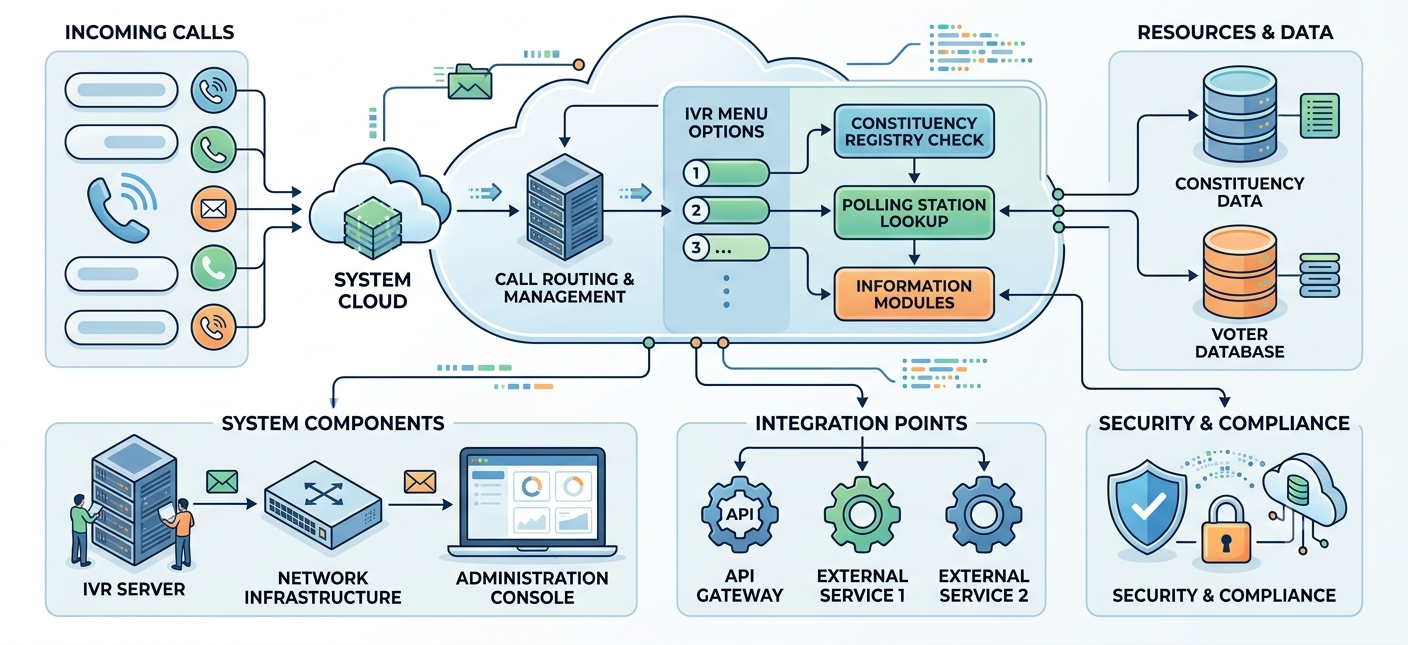
A typical voter helpline follows a simple call flow.
Step 1: Voter Calls the Helpline Number
The caller dials the constituency helpline number.
Step 2: Welcome Message
A recorded greeting welcomes the voter.
Step 3: Language Selection
Example:
- Press 1 for Marathi
- Press 2 for Hindi
- Press 3 for English
Step 4: Main Menu
Example:
- Press 1 for polling booth information
- Press 2 for campaign events
- Press 3 for volunteer registration
- Press 4 to speak with a representative
- Press 5 for important announcements
Step 5: Information Delivery
The system plays the selected information or transfers the call where appropriate.
🛠️ Step-by-Step IVR Voter Helpline Setup
1. Choose a Dedicated Helpline Number
Select a number that is easy to remember and can handle multiple simultaneous calls.
2. Plan the IVR Menu Structure
Keep the menu simple and easy to navigate.
Recommended structure:
- Language selection
- Voter information
- Campaign information
- Volunteer support
- Contact options
Avoid creating too many menu levels.
3. Record Professional Voice Prompts
Voice prompts should be:
- Clear
- Friendly
- Concise
- Easy to understand
- Available in regional languages
Using a professional voice recording improves caller confidence and engagement.
4. Configure Call Routing
Decide which calls should:
- Play recorded messages
- Transfer to volunteers
- Connect to constituency offices
- Forward to campaign coordinators
Smart call routing improves response efficiency.
5. Test the Complete System
Before launch, verify:
- Language options
- Menu navigation
- Call transfers
- Audio quality
- Mobile network performance
Testing helps identify issues before voters begin calling.
🌐 Regional Language IVR Setup
Regional language support is one of the most important features of a voter helpline.
For example:
Marathi
Polling information and local announcements
Hindi
General campaign communication
English
Media and administrative communication
Multilingual IVR improves accessibility across diverse voter groups.
📊 Recommended IVR Menu Example
Welcome to the Constituency Voter Helpline.
Press 1 for Marathi.
Press 2 for Hindi.
Press 3 for English.
Main Menu:
- Press 1 for polling booth information
- Press 2 for campaign schedules
- Press 3 for volunteer registration
- Press 4 for constituency office contact
- Press 5 for important announcements
This structure keeps navigation simple and reduces caller confusion.
📢 Combining IVR with Bulk Voice Call Service
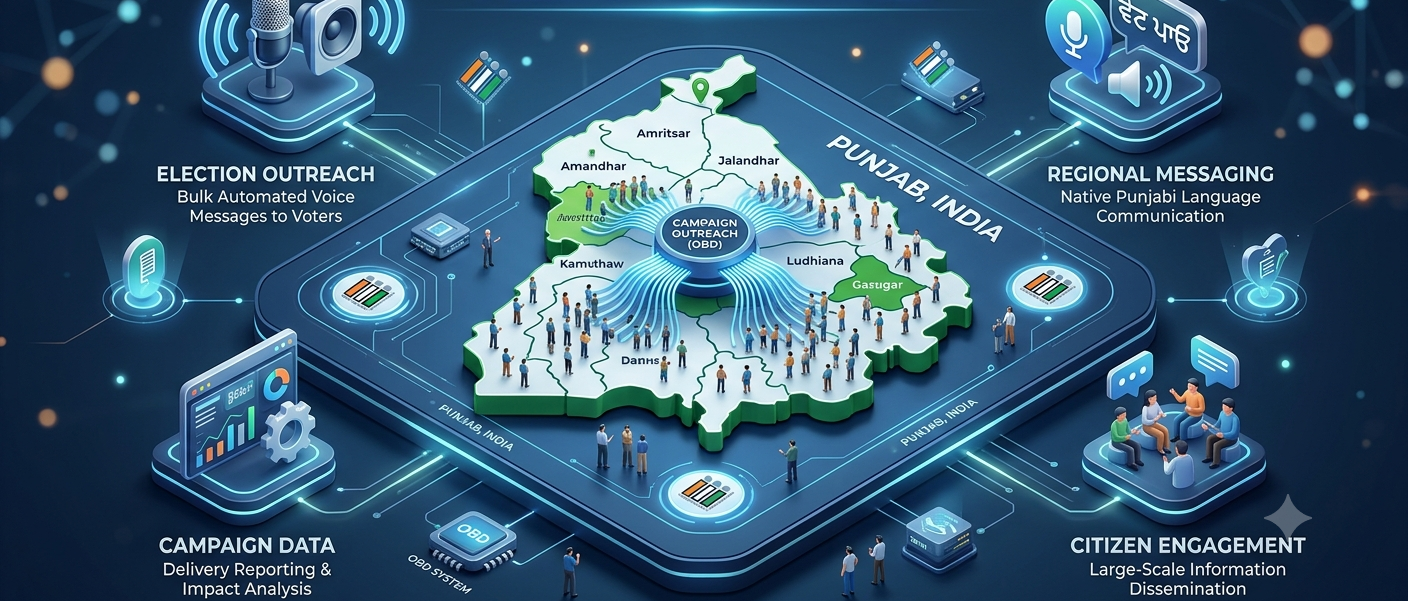
An IVR helpline becomes even more powerful when integrated with Bulk Voice Call Service.
Campaign teams can:
- 📞 Send voice calls inviting voters to use the helpline
- 🗳️ Broadcast polling reminders
- 📢 Announce important campaign updates
- 👥 Recruit volunteers
- 📅 Promote public meetings
For example, a Bulk Voice Call can say:
"For polling booth information, please call our voter helpline."
This creates a connected communication ecosystem.
📈 Benefits of IVR for Constituency Campaigns
A well-designed IVR system helps campaigns:
- Improve voter accessibility
- Handle high call volumes
- Provide information 24/7
- Reduce manual call handling
- Improve volunteer coordination
- Deliver consistent campaign communication
- Support multilingual outreach
🔒 Security and Compliance Considerations
Campaign teams should maintain responsible communication practices.
Recommended measures include:
- Using verified campaign contact numbers
- Protecting voter data
- Keeping recordings accurate
- Updating campaign information regularly
- Maintaining call logs where appropriate
- Following applicable telecom and election guidelines
💼 Choosing the Right IVR Service Provider
Look for a provider that offers:
- IVR setup assistance
- Multi-language support
- Bulk Voice Call integration
- Call analytics
- Call recording
- Call routing
- Scalability
- Technical support
A professional provider can simplify implementation and ensure reliable performance during high-volume election periods.