
WhatsApp Chatbot for Travel and Hospitality
Answer booking questions, send confirmations and tickets, and hand special requests to your team, all in one WhatsApp chat.
What is a WhatsApp API Chatbot?
A WhatsApp API Chatbot is an automated conversational agent built on the Official WhatsApp Business API, designed to interact with customers in a natural, responsive way. It handles incoming queries, processes requests, and delivers information instantly — without requiring a human agent to be present. Using either Natural Language Processing (NLP) or structured rule-based conversation flows, a well-configured chatbot can independently resolve up to 80% of routine customer inquiries, freeing your support team to focus on cases that genuinely need human attention.
Who is this for?
Hotels, resorts, tour operators and travel agencies that take bookings and answer guest questions.
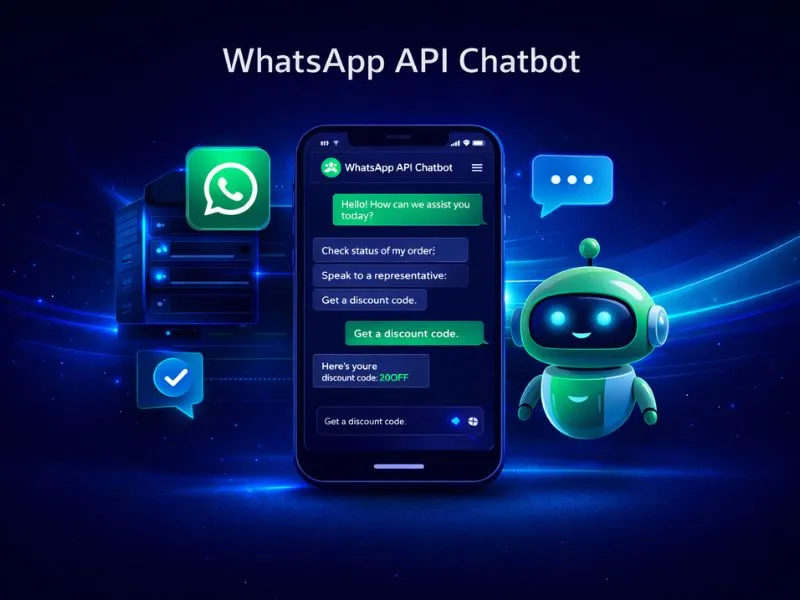
WhatsApp Chatbots for Travel & Hospitality
Travellers ask about availability, prices and timings at any hour, often while on the move. A chatbot answers instantly and keeps the booking moving.
Nexcomm builds flows for booking-based businesses that share confirmations and tickets as files in the chat, route special requests to the right team and pass the full conversation to staff when needed.
How Our Chatbot Platform Works
Design Flows
Use our visual drag-and-drop builder to map out conversation flows — Welcome messages, FAQ sequences, Order Status checks, and more — without writing any code.
Integrate API
Connect your backend systems such as your CRM or ERP via API so the chatbot can pull real-time information like order details, account data, or inventory status.
Train AI (Optional)
Upload your FAQ content and example user phrases to enable NLP capabilities, allowing the bot to understand what customers mean — not just what they type.
Deploy & Test
Run through your bot logic thoroughly, then go live on your WhatsApp Business number. The deployment process is straightforward and takes effect immediately.
Agent Handoff
Define escalation rules so the chatbot transfers conversations — along with full context — to a live agent whenever a query falls outside its scope.
How Travel Teams Use Chatbots
Booking enquiries
Answer availability and price questions at any hour.
Tickets and confirmations
Deliver tickets and booking confirmations as files in the chat.
Special requests
Route requests to the right team with the full conversation attached.
Frequently Asked Questions
Find Services Available Near You
Explore our service availability across major cities, states, and industries.
Education & Coaching Institutes
Student engagement & admissions
Real Estate Developers & Brokers
Property alerts & lead generation
Healthcare & Hospitals
Appointment reminders & patient care
E-commerce & Retail
Order updates & promotional offers
Finance & NBFC
Secure transactions & fraud alerts
Travel & Hospitality
Booking confirmations & travel updates
Manufacturing & Industrial
Supply chain & workforce management
IT & SaaS Companies
Product updates & user onboarding
Event Management
Event updates & ticket delivery
Logistics, Transport & Courier
Shipment alerts & delivery coordination
Two-Wheeler & Car Showrooms
Test drives, bookings & service reminders
Tours & Holiday Packages
Holiday enquiries, itineraries & booking follow-ups
Automate Your Customer Interactions Today
Reduce support costs and improve response times with Nexcomm's intelligent chatbots.
Request Demo