By Rohit Jadhav, Nexcomm. Reviewed 11 November 2026.
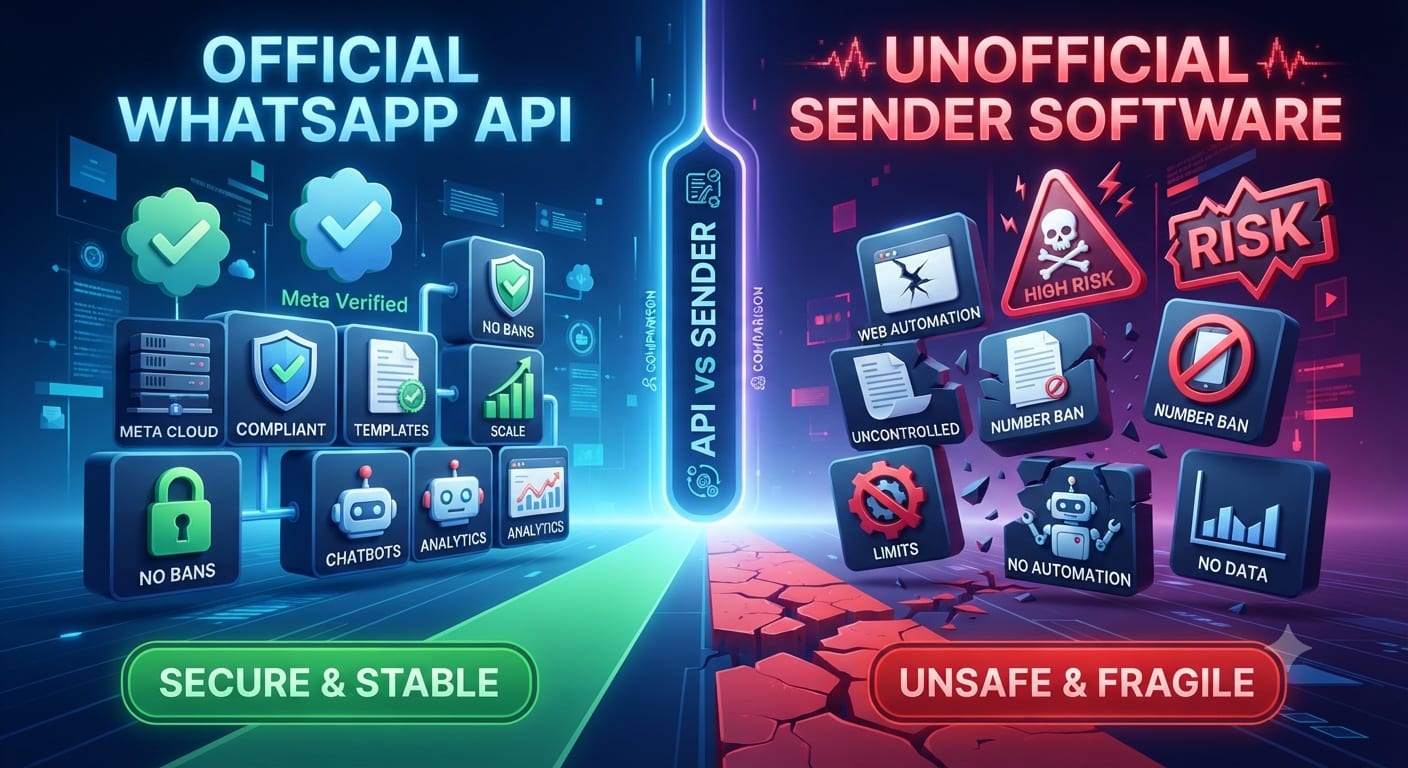
Email and WhatsApp both reach customers who gave you their details, but they work differently: one is a mailbox people check when they choose to, the other a chat app they open many times a day. This guide compares them for business use in India so you can decide where each fits. For the basics of the platform behind WhatsApp marketing, read what the WhatsApp Business API is. We sell WhatsApp marketing, so check our view against your own results.
Quick answer
Use WhatsApp for short, time-sensitive messages and conversations with customers who opted in. Use email for longer content, newsletters, receipts and anything people may want to keep or search. Many businesses use both: WhatsApp to prompt action and email to carry the detail.
WhatsApp vs email
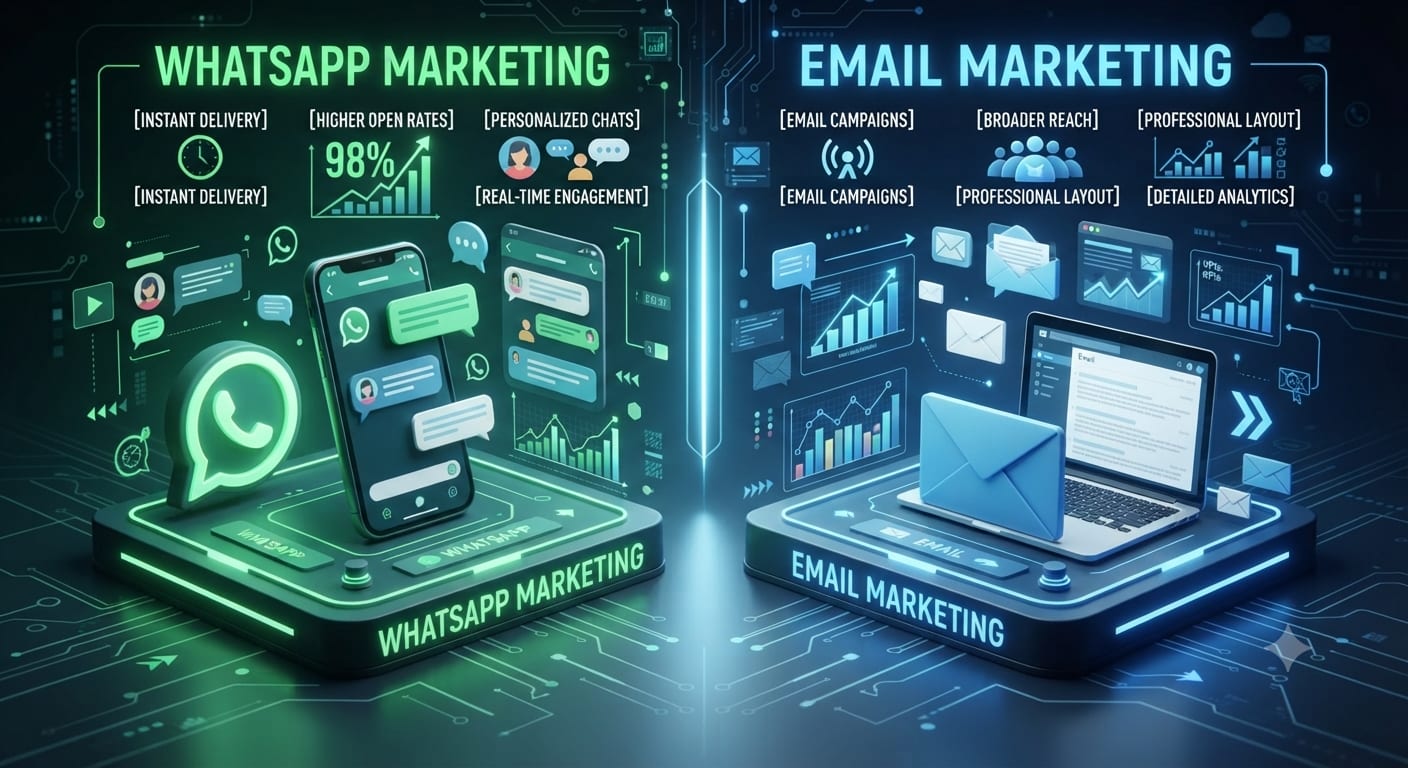
| WhatsApp marketing | Email marketing | |
|---|---|---|
| Best for | Short alerts, offers, replies, support | Newsletters, long guides, invoices |
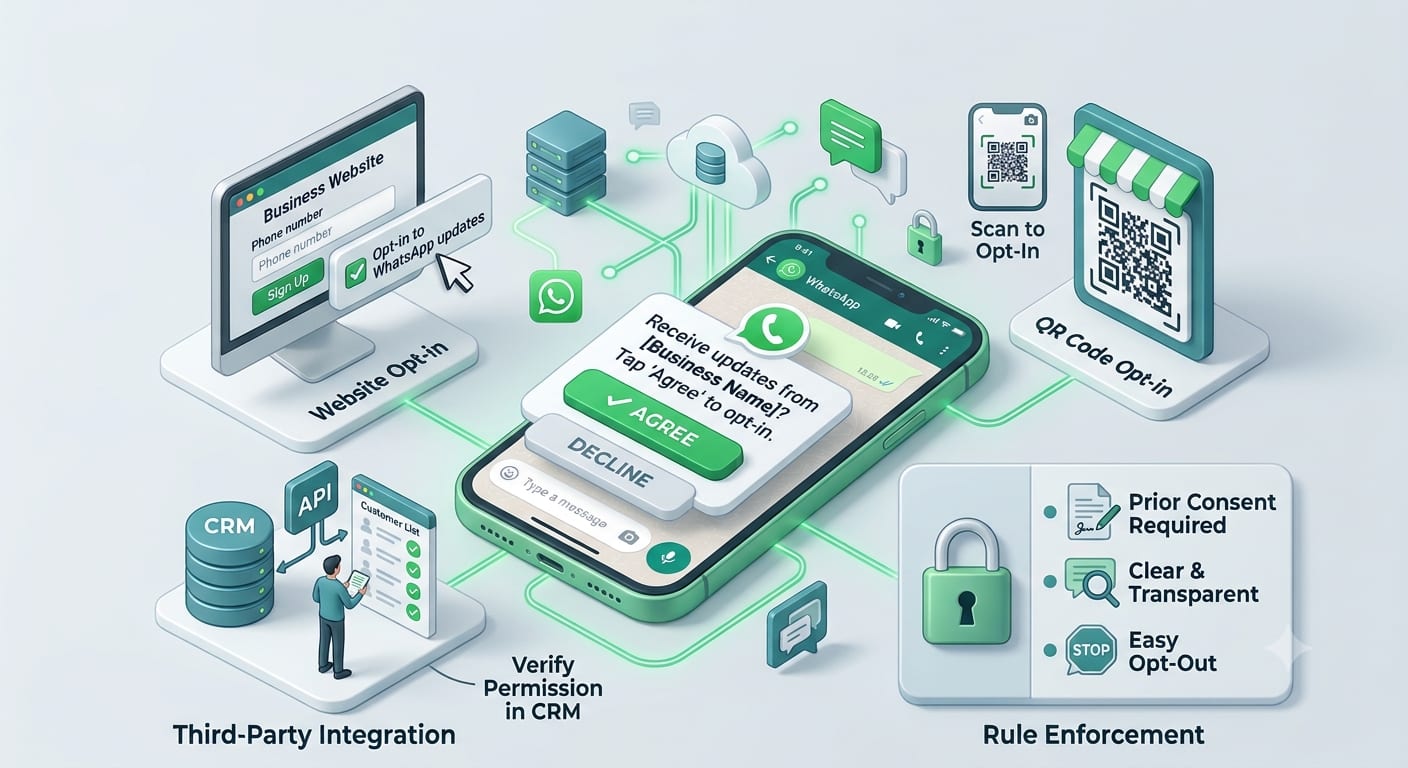
| Permission | Opt-in required; approved templates for messages you start | Consent and an unsubscribe link |
| Format | Short text, images, buttons, catalogues | Rich layout, long content, attachments |
| Two-way | Natural: customers reply in the chat | Possible but slower |
| Cost model | Per-message pricing set by Meta, plus provider fees | Usually a monthly fee by list size |
| Limits | Messaging limits and quality rating | Spam filters and sender reputation |
| Reaching people | Needs the customer's WhatsApp number | Needs a checked email address |
When WhatsApp fits better
- Order, delivery and appointment updates the customer wants quickly.
- Conversations, such as questions about a product. See the WhatsApp customer service window.
- Offers that expire in hours.
When email fits better
- Long guides, reports or newsletters.
- Invoices and documents the customer will search for later.
- Audiences that use email for work, such as B2B buyers.
What each needs before you start
For WhatsApp
An approved business account, message templates and opt-in. Read WhatsApp opt-in rules and the templates guide. Check costs in WhatsApp API pricing explained.
For email
A sending domain set up properly, a list of people who agreed, and an unsubscribe link. Details differ by email tool, so use your tool's own guide.
A hypothetical split
A furniture store sends a WhatsApp message to customers who opted in: "Your order is out for delivery today". It sends a monthly email with new collections and a care guide. When a customer replies on WhatsApp with a question, an agent answers in the same chat. Each channel does the job it is best at.
Do not choose on open rates alone
Open-rate claims for both channels vary by industry and list quality, and we do not quote a figure here. Run a small test: send the same offer to two similar groups, one on each channel, and compare orders, not opens.
More guides: WhatsApp Business API guides.
Frequently asked questions
Is WhatsApp marketing better than email?
Neither is better for every job. WhatsApp suits short, urgent, two-way messages. Email suits long and searchable content.
Can I use both?
Yes, and many businesses do. Keep the message and timing consistent.
Do I need permission to send WhatsApp marketing?
Yes. Customers need to opt in to receive your messages.
Is WhatsApp cheaper than email?
Not usually per message. WhatsApp has per-message charges; email tools usually charge by list size.
Sources checked
- Meta, WhatsApp Business Platform pricing and messaging documentation, developers.facebook.com.
- WhatsApp Business Messaging Policy, business.whatsapp.com.