Quick answer: The WhatsApp Business API is the way software connects to WhatsApp so a business can send and receive messages at scale. Unlike the WhatsApp Business app, it has no screen of its own. You use it through a provider's dashboard or your own systems, such as a CRM or chatbot. Meta hosts it as the WhatsApp Cloud API, and it follows Meta's rules on opt-in, templates, limits and pricing.
If you have only used the WhatsApp Business app, the API is a different kind of tool. This guide explains what it is, how a message travels, and the main rules to understand before you begin. Each topic has its own guide, linked below.
What the WhatsApp Business API is
The WhatsApp Business API, also called the WhatsApp Business Platform, lets a company's software exchange messages with customers on WhatsApp. It is designed for businesses that need things the app cannot do well: many agents on one number, automated replies, notifications sent from other systems, and integration with a CRM or shop.
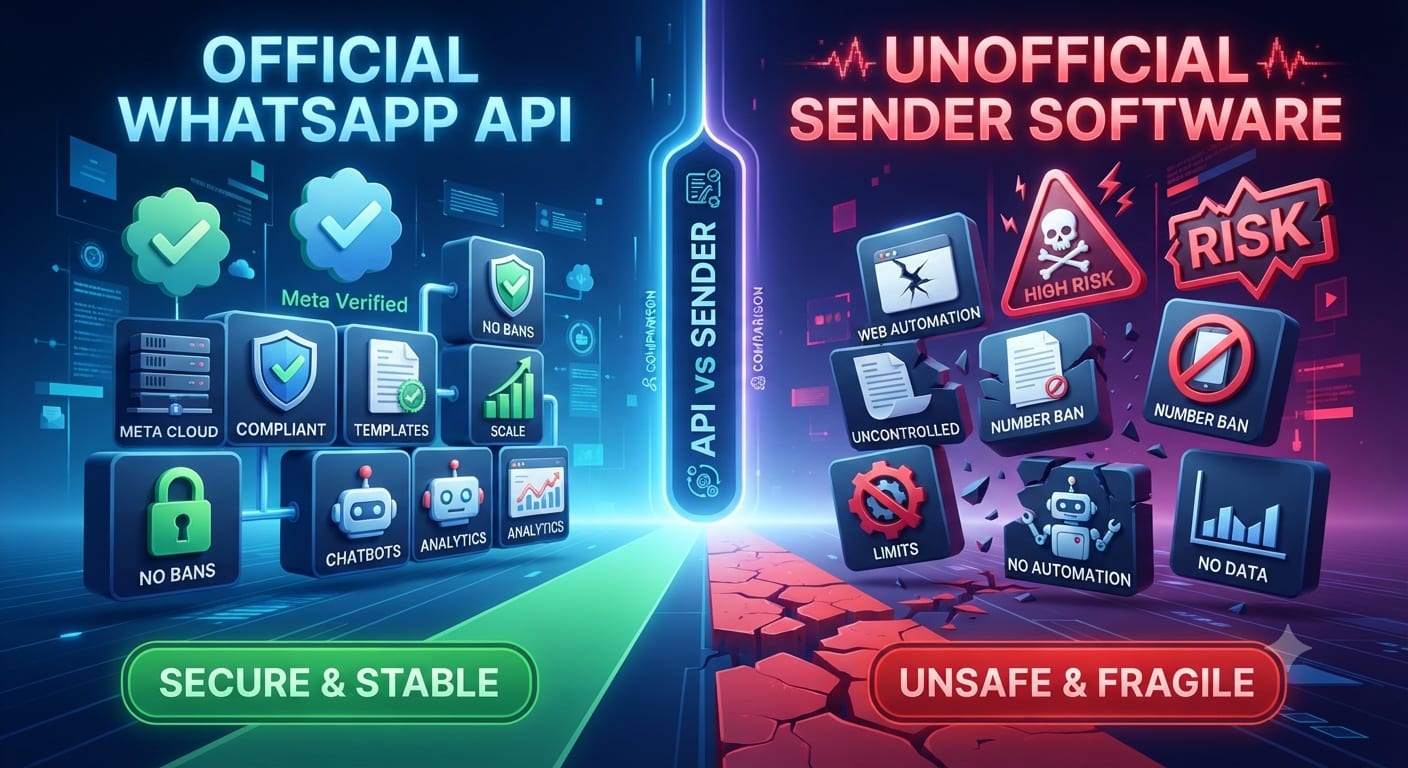
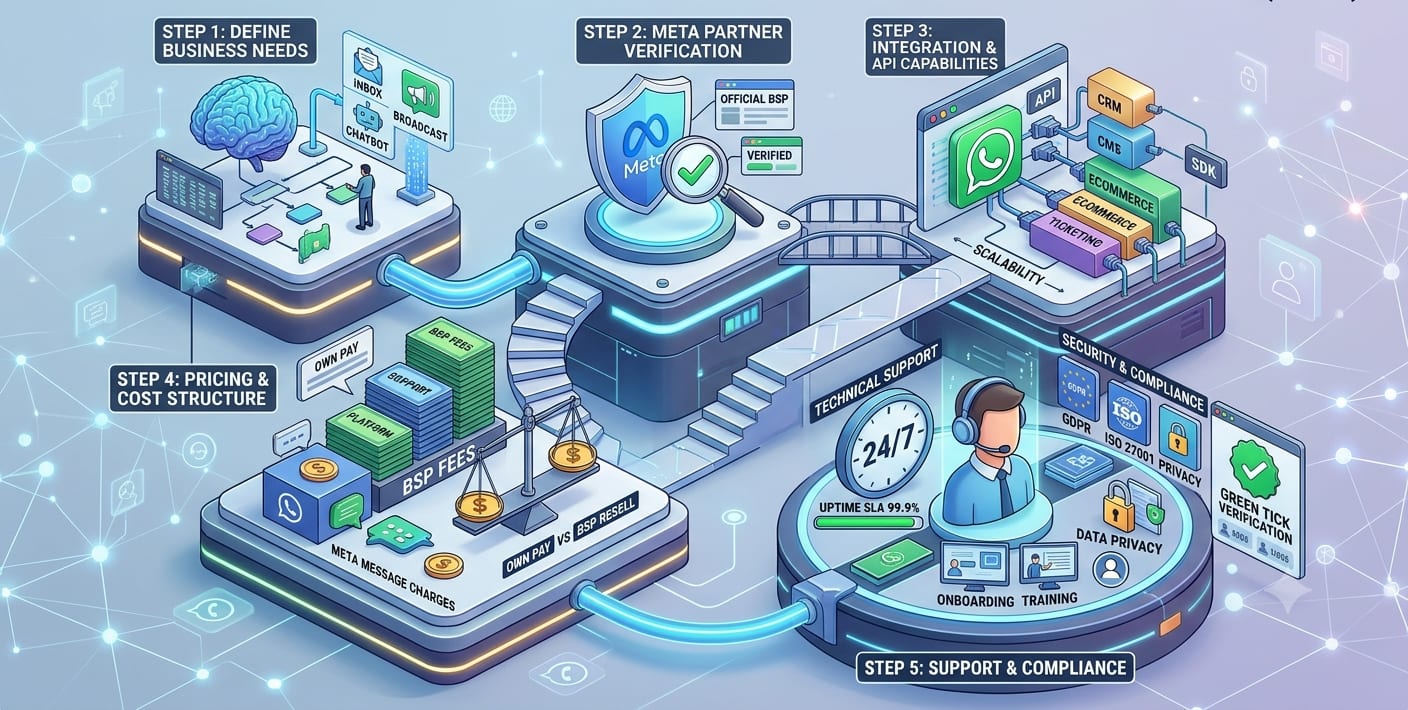
It has no inbox of its own. You see conversations in the tool you connect to it, which is usually a provider's dashboard, a helpdesk or a chatbot platform. That is why most businesses go through a provider; see our guide to choosing a WhatsApp Business solution provider.
API or Business app?
The Business app is a phone app for small teams. The API is for larger volumes and automation. Our guide to WhatsApp Business API vs WhatsApp Business app compares them in detail. A short version: if one person replies from a phone, the app may be enough. If several people, a bot or other software need access, you need the API.
The Cloud API
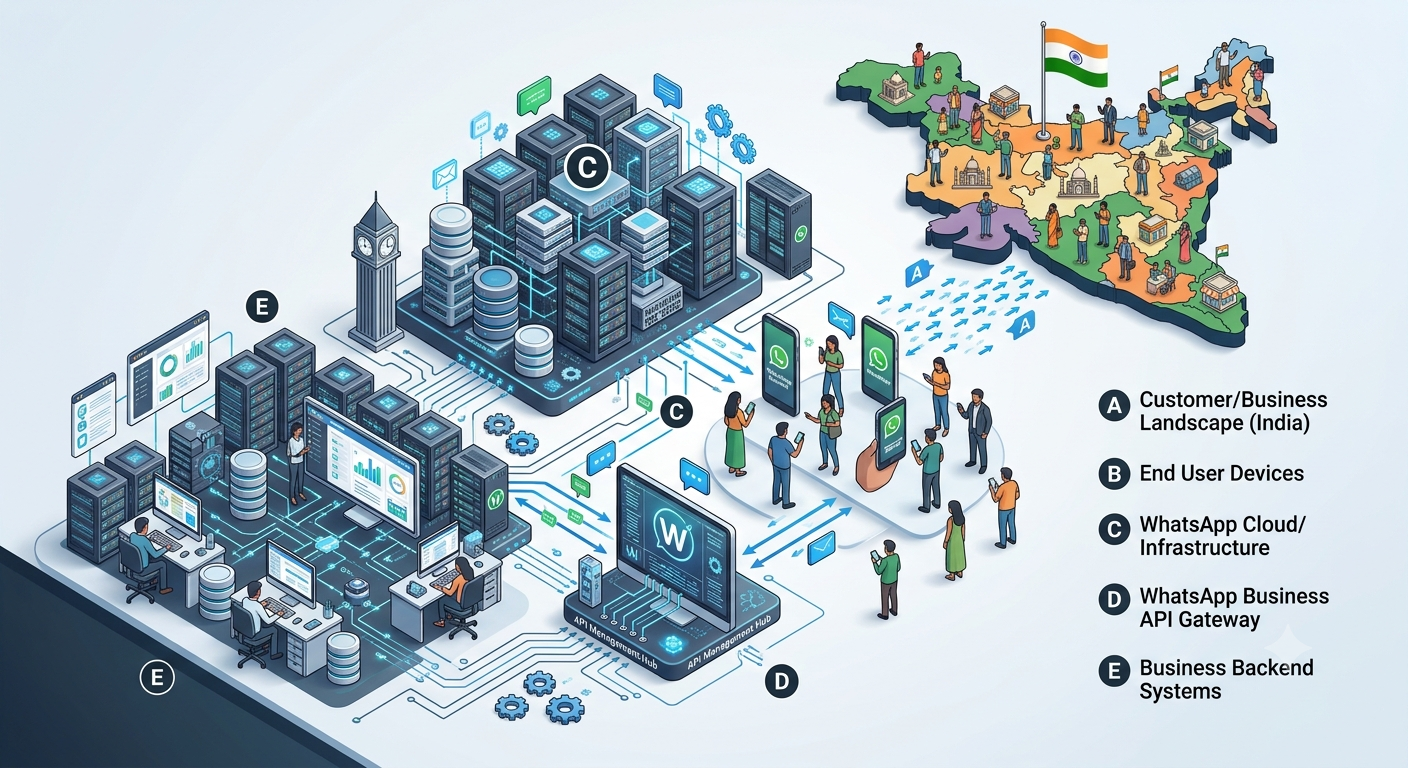
The WhatsApp Cloud API is Meta's cloud-hosted version of the platform. You do not run your own servers for WhatsApp. Meta hosts it, and your software or your provider's platform connects to it over the internet. For current access options, check Meta's developer documentation, because the platform changes.
How a message travels
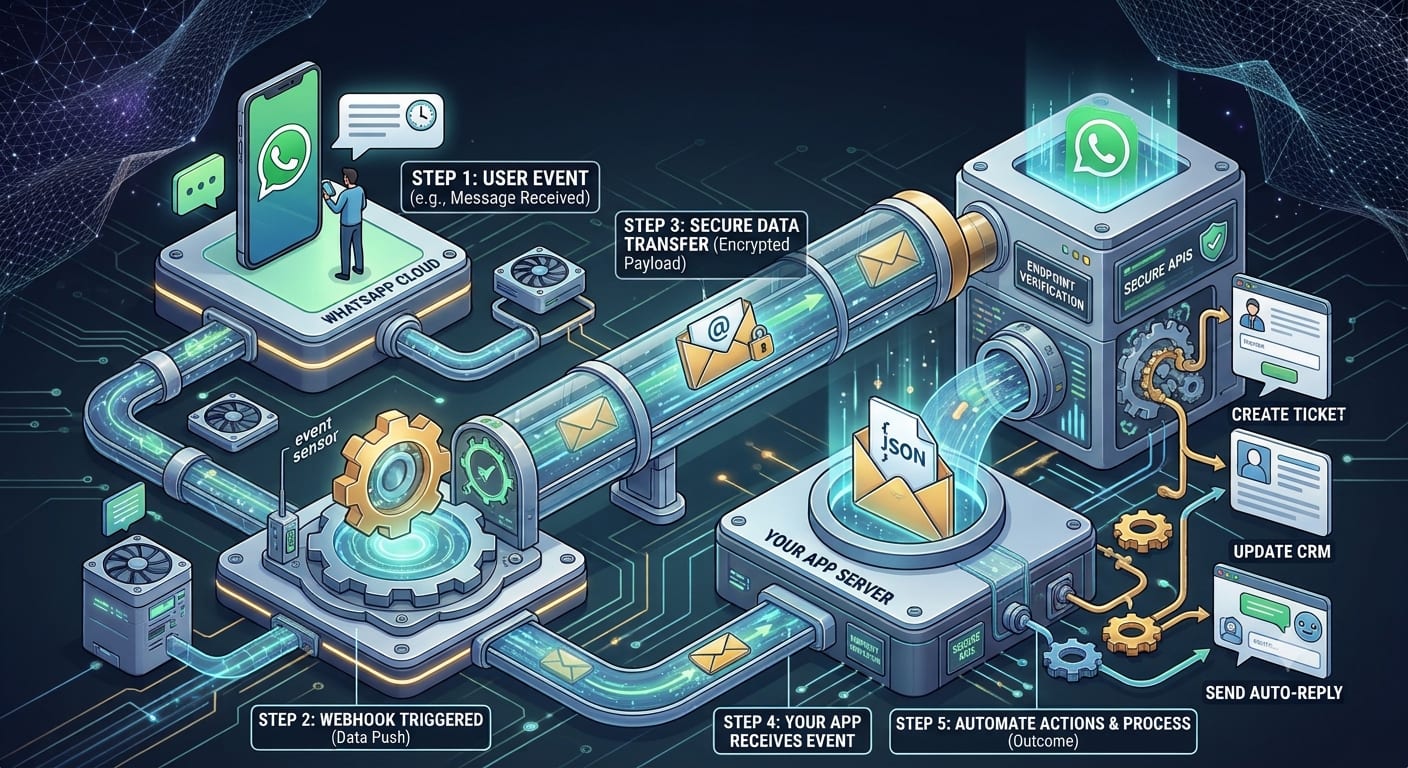
- A customer messages your WhatsApp number, or you send them a template.
- Meta's servers pass an incoming message to your platform through a webhook. See our guide to WhatsApp API webhooks.
- Your platform, such as a chatbot, a CRM or an agent inbox, decides what to do.
- Your reply goes back to Meta through the API and on to the customer.
- Delivery updates come back to you the same way as webhooks.
The rules that shape everything
Permission
You may message people only if they opted in. See WhatsApp opt-in rules.
Templates
To message a customer first, or after the conversation window closes, you need a pre-approved template in one of three categories. See WhatsApp message templates.
The 24-hour window
When a customer writes, a 24-hour window opens in which you can reply freely. See the WhatsApp customer service window.
Limits and quality
The number of people you can message outside the window each day is capped and grows with good-quality messaging. See WhatsApp messaging limits and quality rating.
Pricing
Meta charges per delivered message, by category and country, and Indian accounts must move to rupee billing by 31 December 2026. See WhatsApp Business API pricing in India.
What businesses use it for
- Order and delivery updates, payment reminders and appointment reminders.
- Customer support, with bots handling common questions and people handling the rest.
- Lead capture and follow-up, linked to a CRM.
- Marketing messages to people who opted in.
Our guides to WhatsApp Business API use cases, WhatsApp Business API for e-commerce and sending bulk WhatsApp messages using the API go deeper.
Getting started
The usual route is to choose a provider, verify your business with Meta, register a number, create templates, and send a first small campaign to people who opted in. Our guide on how to apply for the WhatsApp Business API in India walks through it. When something does not work, our guide to common WhatsApp Business API errors may help.
Nexcomm's WhatsApp API and chatbot service covers the platform and chatbot side.
Frequently asked questions
What is the WhatsApp Business API?
It is the interface that lets business software send and receive WhatsApp messages at scale, instead of using the phone app.
Is the API free?
No. Meta charges per delivered message, with some free allowances, and providers may add their own fees. See our pricing guide.
Can I use the same number on the app and the API?
A number is normally registered on one or the other. Ask your provider how migration works before you move a number.
Do I need a developer?
Not if you use a provider's dashboard. Direct integration with the Cloud API needs development skills.
Can I message anyone?
No. You need their opt-in, and outside a customer-started conversation you can only send approved templates.
Sources checked
- Meta for Developers, WhatsApp Business Platform: pricing, messaging limits, template guidelines and Cloud API webhooks, read 2 November 2026.
- WhatsApp Business Messaging Policy, last updated 23 September 2026.
- Platform terms, prices and access routes change. Check Meta's pages for the current position.
More in WhatsApp Business API guides.
Written by Rohit Jadhav. Last reviewed 2 November 2026.