By Rohit Jadhav, Nexcomm. Reviewed 11 November 2026.
Some tools promise to send thousands of WhatsApp messages from an ordinary number with no approval, no templates and no per-message fee. They are called unofficial or "bulk sender" software. This guide compares them with the official WhatsApp Business Platform and explains the risk to your number. For the basics of the official route, start with what the WhatsApp Business API is. We sell WhatsApp marketing through the official platform, so weigh our view with that in mind.
Quick answer
Use the official WhatsApp Business Platform for any business messaging you depend on. Unofficial sender software usually works by automating a normal WhatsApp account, which WhatsApp's terms do not allow. The cost of being wrong is losing the number your customers already know, and with it your channel.
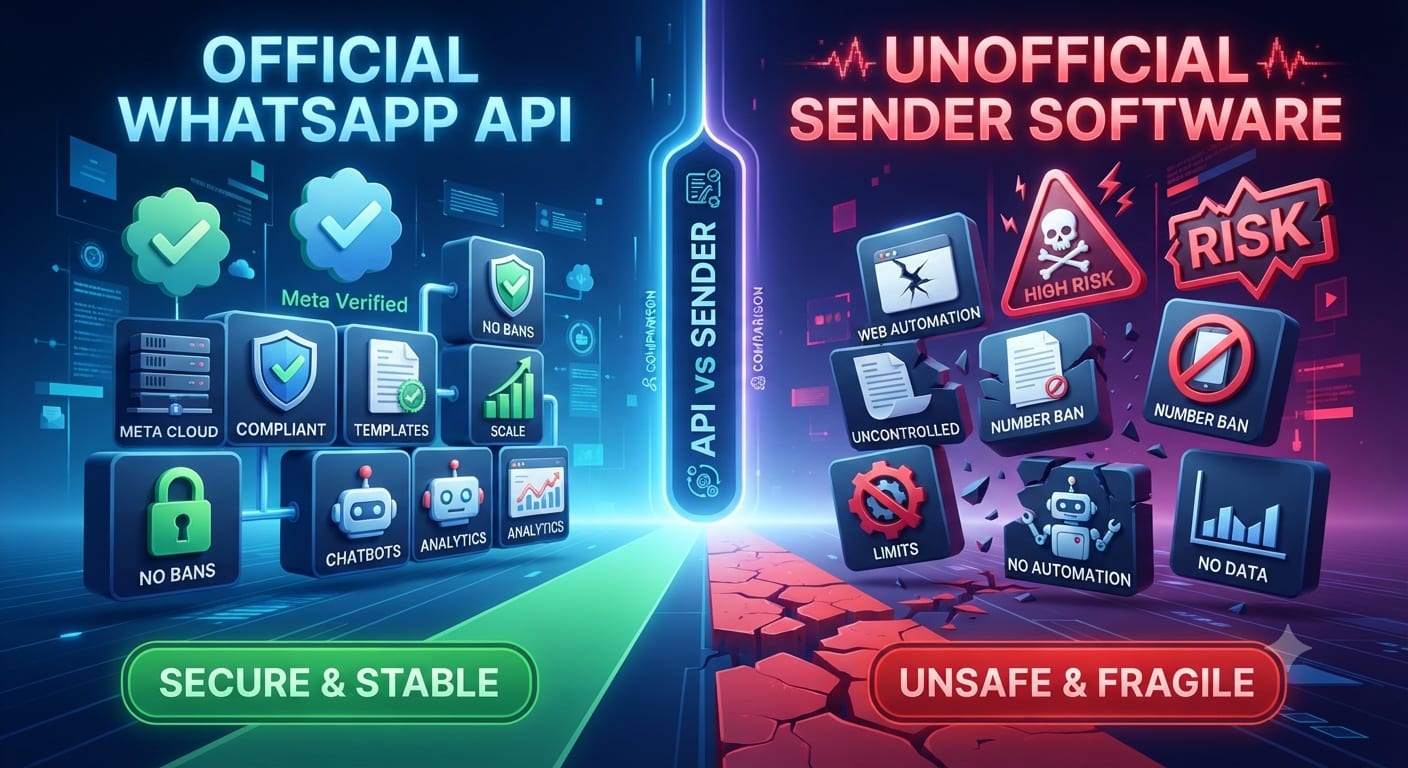
Official vs unofficial
| Official Business Platform | Unofficial sender software | |
|---|---|---|
| How it connects | Through Meta's platform via an approved provider | Usually automates WhatsApp Web or a normal app account |
| Permission to send | Opt-in and approved templates for business-started messages | None; messages go out without the platform's checks |
| Risk to your number | Quality rating and limits warn you before action | Accounts can be restricted or banned, often without warning |
| Cost model | Per-message pricing set by Meta, plus provider fees | A software fee, but the hidden cost is the ban risk |
| Features | Templates, buttons, catalogues, webhooks, multiple agents | Basic text and media sending |
| Support | Provider and platform support | Whatever the software seller offers |
| Data | Under the platform's data terms | Your contact list and chats may pass through unknown servers |
Why unofficial tools are risky
- Terms breach. WhatsApp's terms do not allow automated or bulk messaging from a normal account. Read WhatsApp's own terms and Business Messaging Policy rather than a seller's claims.
- Bans. If your account is banned, you may lose the chat history and the number's reach.
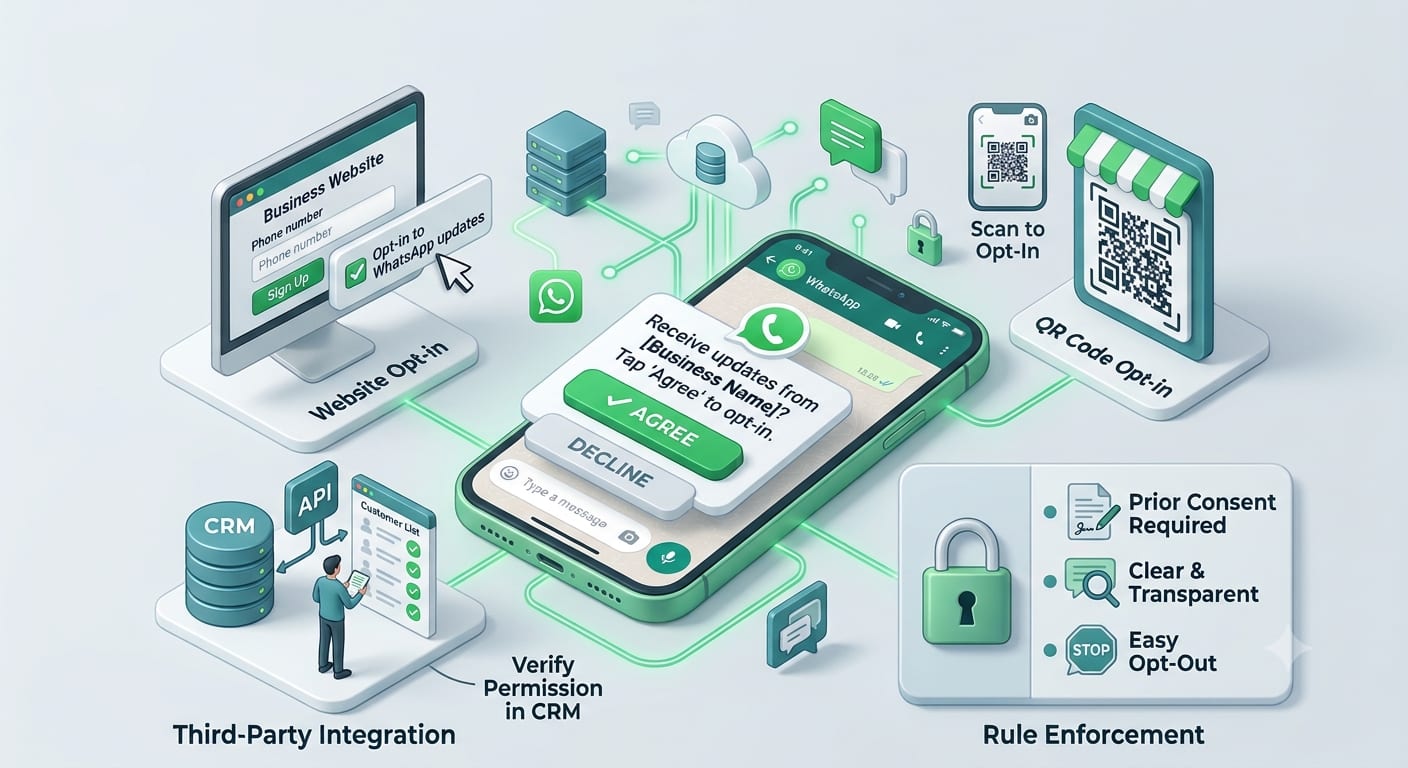
- No opt-in controls. Messaging people who did not agree raises complaints. See WhatsApp opt-in rules.
- Security. You may enter your login or scan a QR code for software you cannot vet.
What the official route asks of you
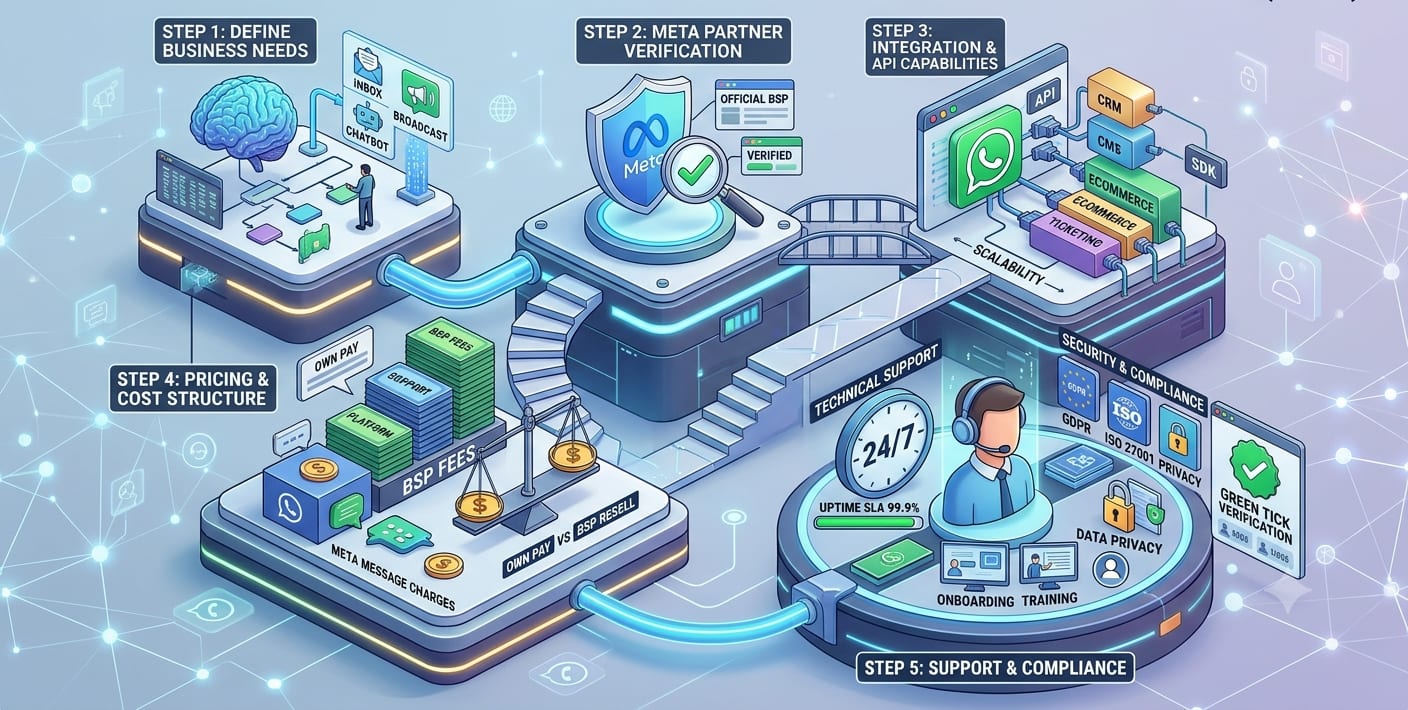
- A business and a number registered with the platform through a provider; see how to apply for the WhatsApp Business API.
- Approved message templates for messages you start.
- Customer opt-in for those messages.
- Attention to your quality rating and sending limits; see messaging limits and quality rating.
Is the official route right for a very small business?
If you message a handful of customers, the free WhatsApp Business app may be enough. See the app vs the API. The API suits bulk sending, chatbots and several agents. Unofficial software is not a middle path; it is a risk with no support.
How to spot an unofficial tool
- It asks you to scan a QR code to "link" your normal WhatsApp.
- It sends from your personal or shop number with no template approval.
- It advertises "unlimited messages" with a flat low fee.
- It cannot name the Meta business provider it works through.
Choosing a provider for the official route? Read how to choose a WhatsApp Business solution provider. More guides: WhatsApp Business API guides.
Frequently asked questions
Can I send bulk WhatsApp messages without the API?
You can use broadcast lists in the normal app for people who saved your number, but it is limited and not meant for campaigns. For real volume, use the official platform.
Will unofficial software get my number banned?
It can. WhatsApp can restrict accounts that send automated bulk messages.
Is the official API more expensive?
It has per-message pricing; see WhatsApp Business API pricing explained. Compare that with the cost of losing your number.
Is there a middle option?
The free Business app for small volume, and the API when you outgrow it.
Sources checked
- WhatsApp Terms of Service and WhatsApp Business Messaging Policy, whatsapp.com and business.whatsapp.com.
- Meta's developer documentation for the WhatsApp Business Platform.