
Voice Call and OTP API for IT and SaaS Companies
Deliver OTPs and automated alerts by voice, triggered from your application through a documented API with call status webhooks.
What are Bulk Voice Campaigns (OBD)?
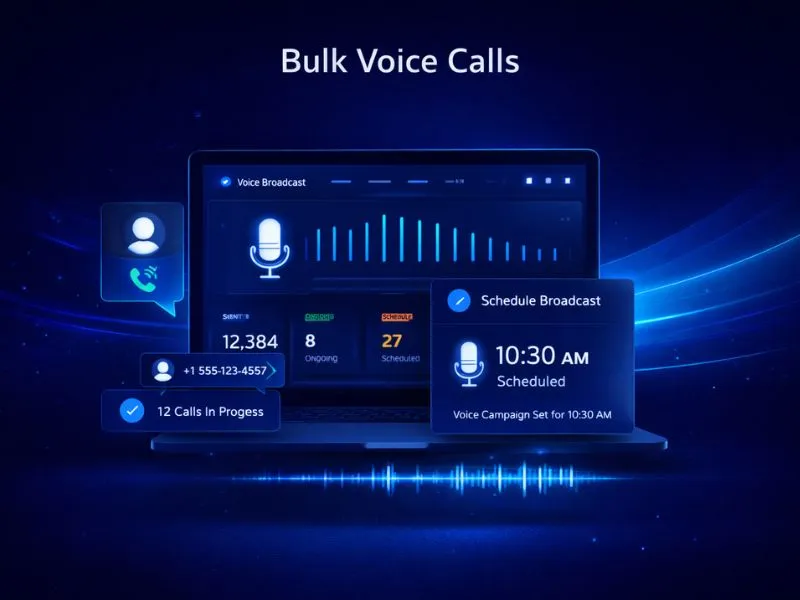
Our voice broadcasting service india — also referred to as Outbound Dialing (OBD) or Bulk Voice Calls — enables businesses to deliver pre-recorded audio messages to large contact lists automatically and simultaneously. Bulk voice campaigns are a particularly effective channel for reaching audiences in their native language, making your message accessible even to customers who do not use smartphones or data services. Whether the use case is a voice call for election campaign india drive, an emergency community alert, or a time-sensitive promotional announcement, bulk voice calls offer a personal quality that text-based channels often cannot replicate — at genuine scale.
Who is this for?
IT companies, SaaS products and app developers that need voice OTPs and automated calls.
Voice Calls for IT & SaaS Companies
Some users cannot receive a text, and others need a code read out to them. A voice OTP or automated alert, triggered from your product, covers those cases.
Nexcomm's API includes call initiation, text-to-speech, call status webhooks and DTMF capture, so your engineers can build voice into the product itself.
How Bulk Voice Campaigns Work
Record Message
Upload a professionally recorded audio file or generate your message using our built-in Text-to-Speech engine across multiple languages — ready to power your next bulk voice campaign.
Upload Contacts
Import your contact list in Excel or CSV format. Where required, the list is automatically checked against the DND registry before your bulk voice calls begin.
Schedule Call
Choose the exact date and time for your bulk voice campaign to go out — timed for the calling windows most likely to get answered.
System Dialing
Our high-capacity dialer initiates bulk voice calls to thousands of numbers simultaneously, ensuring your message reaches the maximum possible audience in minimal time.
Track Response
Review detailed call logs covering answered calls, call duration, and any key-press inputs (DTMF) captured during the bulk voice campaign.
How Software Teams Use Voice Calls
Voice OTPs
Read one-time passwords to users by voice.
Automated alerts
Call users about important account events.
Keypad responses
Capture confirmations through DTMF input.
Frequently Asked Questions
Find Services Available Near You
Explore our service availability across major cities, states, and industries.
Politics & Election Campaigns
Voter outreach & campaign management
Education & Coaching Institutes
Student engagement & admissions
Real Estate Developers & Brokers
Property alerts & lead generation
Healthcare & Hospitals
Appointment reminders & patient care
E-commerce & Retail
Order updates & promotional offers
Finance & NBFC
Secure transactions & fraud alerts
Travel & Hospitality
Booking confirmations & travel updates
Manufacturing & Industrial
Supply chain & workforce management
IT & SaaS Companies
Product updates & user onboarding
Event Management
Event updates & ticket delivery
Logistics, Transport & Courier
Shipment alerts & delivery coordination
Two-Wheeler & Car Showrooms
Test drives, bookings & service reminders
Tours & Holiday Packages
Holiday enquiries, itineraries & booking follow-ups
Speak Directly to Your Audience
Launch your automated voice campaign today and engage customers with the power of voice.
Start Campaign