
WhatsApp Marketing for Logistics, Courier and Transport Companies
Send tracking links, delay notices and proof of delivery to opted-in receivers, and let them tap to reschedule a missed delivery, through the Official WhatsApp Business API.
What is WhatsApp Marketing?
WhatsApp Marketing uses the official WhatsApp Business API to help brands communicate with their customers at scale — the right way. Unlike a standard WhatsApp account, this enterprise-grade solution lets businesses broadcast messages to thousands of opted-in users simultaneously without the risk of being blocked. It supports rich media formats including images, videos, and PDFs, along with interactive elements like Call-to-Action buttons and Quick Replies, plus the ability to build automated conversation flows.
Who is this for?
Courier and parcel companies, freight operators, third-party logistics firms and delivery networks whose receivers use WhatsApp every day.
WhatsApp for Logistics & Transport
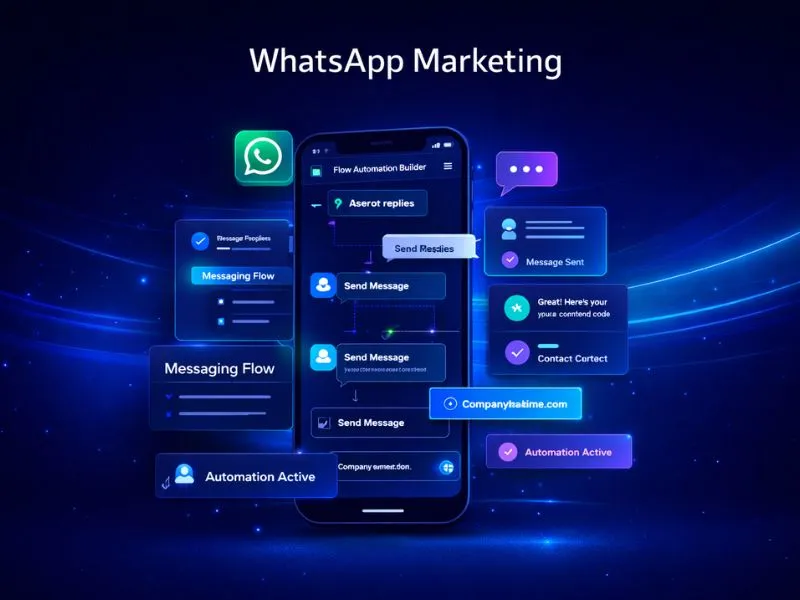
For a logistics or courier company, WhatsApp marketing is the Official WhatsApp Business API sending receivers approved pickup, delivery, delay and proof-of-delivery messages in the chat they already use. Receivers can check a parcel's status there instead of phoning a branch.
A template tells the receiver the parcel is out for delivery, with the AWB or tracking number and a Track shipment button. If the attempt fails, buttons let the receiver reschedule or send a new address. A hub delay becomes one notice with a revised date, and proof of delivery follows as an image or a PDF. For road freight, the consignee gets the LR number, the vehicle number and a revised arrival time.
The receiver is often not the person who booked, so the shipper's consent has to cover WhatsApp messages from your business and be recorded. You message only receivers where that consent exists, and Meta approves each template before use. Nexcomm works from Baner, Pune, with courier and freight businesses across India, and guides the Green Tick application.
How WhatsApp Marketing Works
Apply for API
Submit your Facebook Business Manager ID for verification to receive official access to the WhatsApp Business API.
Get Green Tick
We guide you through the application process for WhatsApp's verified business badge — a mark of authenticity your customers will notice.
Template Approval
Create your message templates — text, media, or button-based — and submit them for Meta's approval, which typically completes within minutes.
Launch Campaign
Upload your opted-in contact list and schedule your broadcast directly from the Nexcomm dashboard.
Analyze Results
Track real-time data on message delivery, read receipts, button interactions, and customer replies.
How Logistics Teams Use WhatsApp
Out for delivery, with tracking
Tell opted-in receivers the parcel is on its way, with the tracking number and a Track shipment button that opens your tracking page.
Failed attempt with reschedule buttons
Tell the receiver the delivery could not be completed and let them tap to reschedule or send a new address. The reply lands in the shared inbox for your hub team.
Proof of delivery
Once the parcel is handed over, share the proof of delivery as an image or a PDF in a chat the receiver already uses.
Freight trip updates
Tell the consignee when the vehicle is placed, with the LR number, vehicle number and driver details, and send a revised arrival time if the trip runs late.
Frequently Asked Questions
Find Services Available Near You
Explore our service availability across major cities, states, and industries.
Politics & Election Campaigns
Voter outreach & campaign management
Education & Coaching Institutes
Student engagement & admissions
Real Estate Developers & Brokers
Property alerts & lead generation
Healthcare & Hospitals
Appointment reminders & patient care
E-commerce & Retail
Order updates & promotional offers
Finance & NBFC
Secure transactions & fraud alerts
Travel & Hospitality
Booking confirmations & travel updates
Manufacturing & Industrial
Supply chain & workforce management
IT & SaaS Companies
Product updates & user onboarding
Event Management
Event updates & ticket delivery
Logistics, Transport & Courier
Shipment alerts & delivery coordination
Two-Wheeler & Car Showrooms
Test drives, bookings & service reminders
Tours & Holiday Packages
Holiday enquiries, itineraries & booking follow-ups
Unlock the Power of WhatsApp Marketing
Start engaging your customers where they are most active. Setup in less than 24 hours.
Get Started