By Rohit Jadhav, Nexcomm. Reviewed 11 November 2026.
An SMS API lets your app, website or CRM send messages and receive delivery status without anyone logging into a panel. Providers differ less in the "send" call than in what happens around it: how errors are reported, how delivery status comes back and how the API handles India's DLT rules. This guide gives developers and buyers a checklist. It builds on our bulk SMS provider guide. We sell an SMS API through bulk SMS, so test every point on us as well.
Quick answer
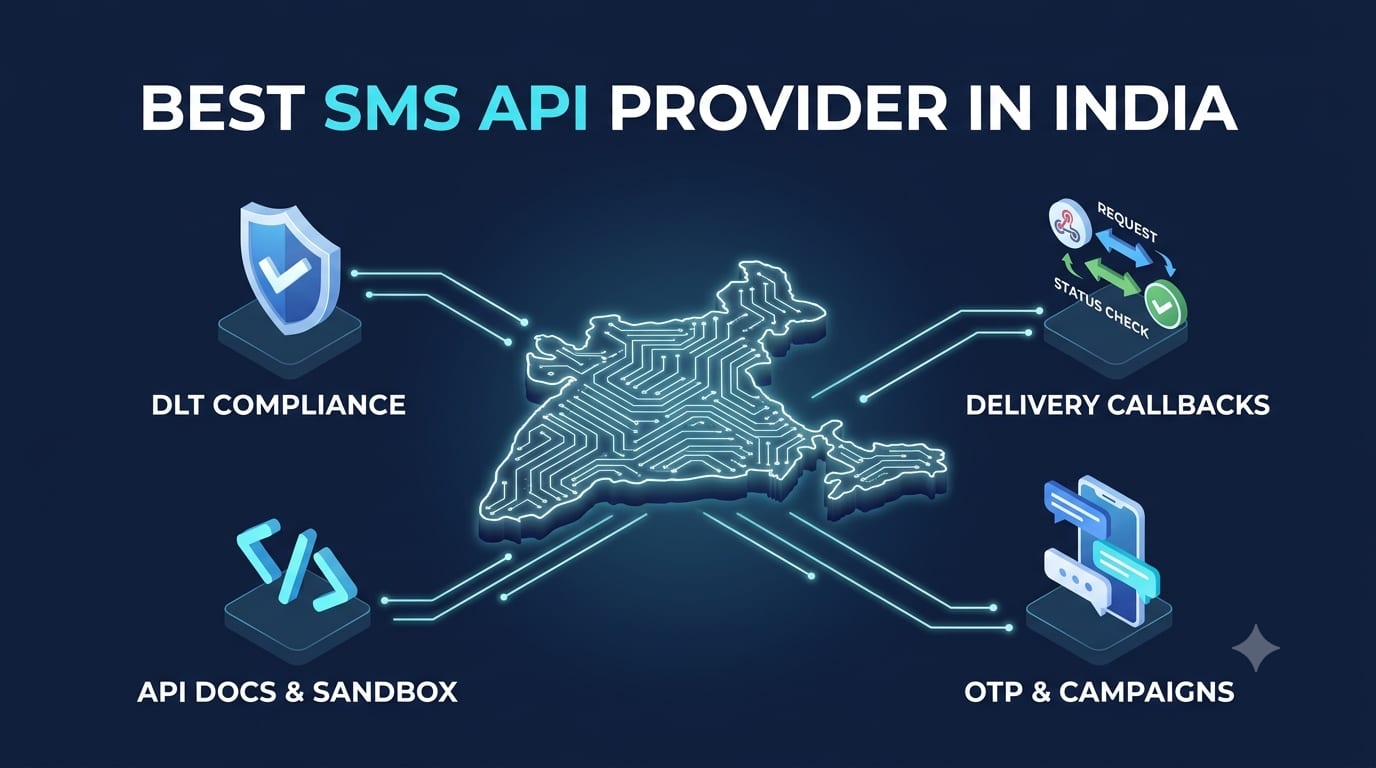
A good SMS API provider has clear documentation, a test environment, delivery status callbacks, readable error codes, support for DLT template and header details, sensible rate limits and a way to be reached when the API misbehaves. Build a small test integration before you commit.
What to check
| Check | Why it matters | How to test |
|---|---|---|
| Documentation | Gaps in the docs become delays in your project. | Read the full send, status and error sections before signing up. |
| Test access | You need to try it before paying. | Ask for a sandbox or trial credits, and send to your own phones. |
| DLT fields | Indian SMS needs the registered header and template in the request. See DLT template variables. | Check that the API accepts the template identifier and variables, and returns a clear error on a mismatch. |
| Delivery status | Your app must know if a message failed. | Check for a callback or a status endpoint, and compare its answers with real handsets. |
| Error codes | You need to tell a template error from a network error. | Trigger a few errors on purpose and read the response. |
| Rate limits | Bursts can be throttled or queued. | Ask for the limit and send a small burst. |
| Authentication | Keys must be easy to rotate and keep secret. | Check how keys are issued, scoped and revoked. |
| Reliability and support | An outage hits every customer at once. | Ask about status updates and who you contact when it fails. |
Design points for your side
- Store the provider's message ID for each message so support can trace it.
- Handle failure responses by type: retry network errors, but do not retry template errors.
- Avoid retrying blindly; a repeat can send the same message twice.
- Keep keys in a secret store, not in source code.
- Log delivery status per message for a few weeks.
OTPs and campaigns use different traffic
If you send OTPs through the API, treat speed and failure handling as the priority; see how to compare OTP providers. If you send campaigns, check batching and scheduling support, and keep promotional and transactional traffic separate; see transactional vs promotional SMS.
A hypothetical test plan
A developer registers a template, sends 50 messages through each shortlisted API from a test script, and records the response time, the delivery status returned and how each error looks. One provider returns a vague "failed" for a template mismatch, another names the reason. The second saves hours of debugging later.
More guides: Bulk SMS guides.
Frequently asked questions
Do I need DLT registration to use an SMS API in India?
Yes, for commercial SMS. See DLT registration.
Can I test an SMS API for free?
Many providers give trial credits or a sandbox. Ask before you sign up. See free vs paid.
How do I know a message was delivered?
Use the delivery status callback or endpoint and match it against test handsets.
Should the API be separate from the panel?
Not necessarily, but your reports and credits should match across both. See panel vs managed service.
Sources checked
- TRAI, TCCCPR 2018, trai.gov.in.
- Nexcomm's guides linked above.
We did not compare named providers; read each provider's own documentation.