By Rohit Jadhav, Nexcomm. Reviewed 11 November 2026.
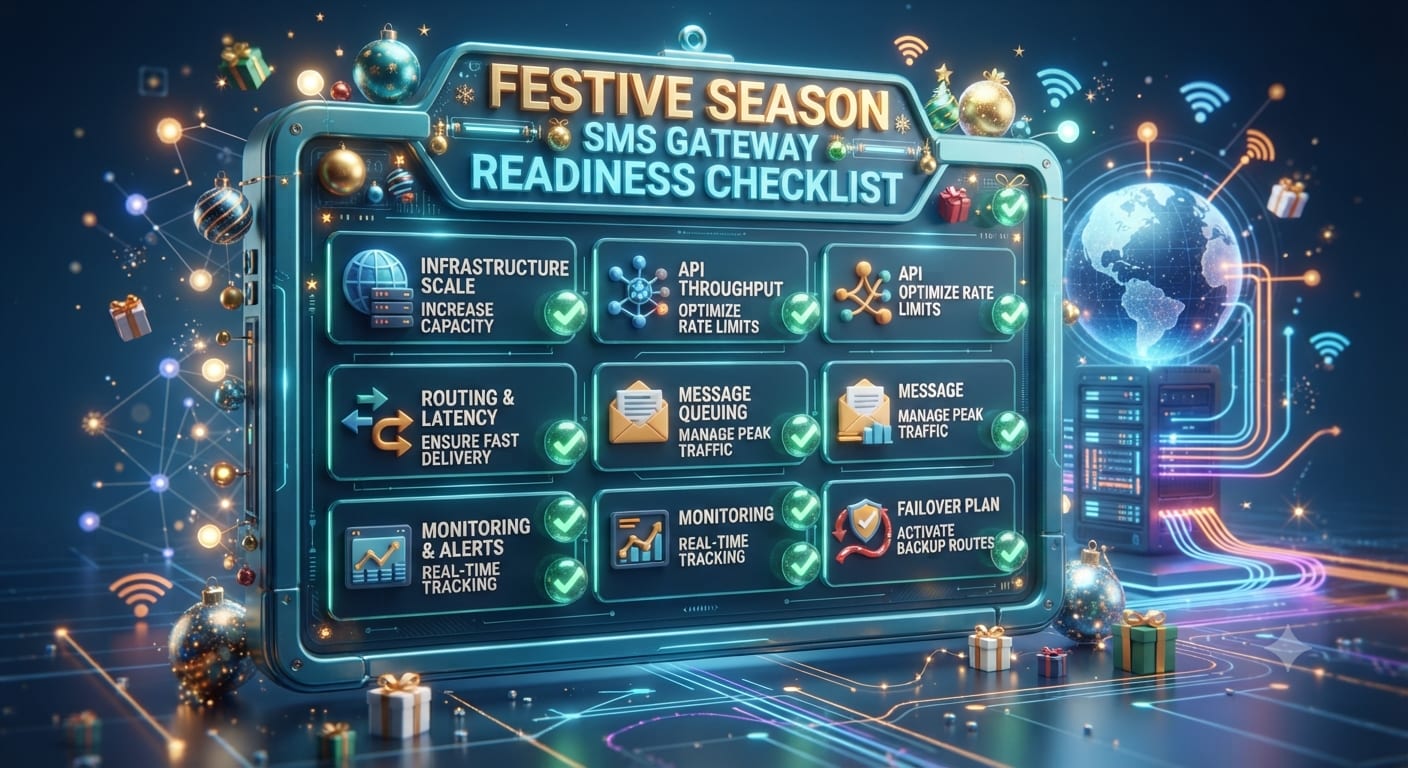
Festival campaigns fail more often because of the gateway than the creative: a template that was never approved, a link that is blocked, a sender with no credit left or a burst of messages that queues for hours. This is a technical checklist for the weeks before a festive peak. For ideas on what to send, see festive season SMS marketing and the Diwali SMS campaign guide. The checklist applies to any bulk SMS provider.
Quick answer
Four weeks before the peak, confirm templates and headers are approved, any links are whitelisted, the account has enough credit and sending capacity, and a test batch has reached real handsets with correct delivery reports. Keep a support contact and a rollback plan for the day itself.
The checklist
| When | Check | Why |
|---|---|---|
| 4 weeks before | All festival templates submitted and approved | Rejections take days to fix. See why templates are rejected. |
| 4 weeks before | Headers match the templates | A mismatch blocks sending. See sender ID basics. |
| 3 weeks before | Any link in a message is whitelisted | Unregistered links can be blocked. See URL whitelisting on DLT. |
| 3 weeks before | Variable fields tested with real data | Wrong length or characters can fail. See DLT template variables. |
| 2 weeks before | Credit balance covers the whole campaign with a margin | A balance that runs out mid-send splits your audience. |
| 2 weeks before | Ask the provider for the account's sending rate and any limits | A big list sent at once can queue. |
| 2 weeks before | Test send to handsets on several networks | Check arrival, wording and the sender name. |
| 1 week before | Delivery report API or export works | You need status on the day, not after. |
| 1 week before | List cleaned and consented | See SMS consent rules and DND rules. |
| 3 days before | Schedule and time zone double-checked | Messages must go inside permitted hours. |
| Day of | Support contact and escalation path confirmed | You will not have time to search for one. |
Sending in batches
If your list is large, split it into batches with a gap between them. This spreads the load, lets you check the first batch's reports before sending the rest, and limits the damage if something is wrong. Ask your provider how they recommend batching.
What to monitor on the day
- Delivered, failed and pending counts from the first batch.
- Failure reasons. A spike of one reason points to a template, header or link issue.
- Time from submission to delivery on a few test handsets.
- Complaints and opt-out replies.
If something goes wrong
- Pause remaining batches.
- Read the failure reason in the report.
- Contact support with a message ID and example number.
- Fix the template or link and resend only to failed numbers.
- Note the cause for next year.
A hypothetical week
A retailer plans a Diwali SMS to 80,000 customers. It sends a 500-number test two weeks before and finds a link is being blocked because it was not whitelisted. It registers the link, retests and then sends the main campaign in four batches over two hours, checking reports after each. Without the test, the same problem would have hit the whole list.
More guides: Seasonal and festive marketing guides.
Frequently asked questions
How early should I prepare?
Start four weeks before a major festival so template rejections do not push your date.
Why do festival messages get delayed?
High traffic and queuing, and sometimes template or link problems. Test and batch to reduce the risk.
Can I change a template at the last minute?
A change needs approval again, so avoid it. See DLT registration.
Sources checked
- TRAI, TCCCPR 2018, trai.gov.in.
- Nexcomm's DLT guides linked above.