
WhatsApp Marketing for Political Campaigns
Keep volunteers and opted-in supporters informed with event details, schedules and updates from the candidate's office, in the chat they already use.
What is WhatsApp Marketing?
WhatsApp Marketing uses the official WhatsApp Business API to send messages to people who have opted in. It supports images, videos and PDFs, buttons and quick replies, and automated conversation flows. Meta sets rules on who may use the platform and for what, so a campaign should check them before it plans a broadcast.
Who is this for?
Campaign offices and party workers who keep volunteers and opted-in supporters informed during an election.
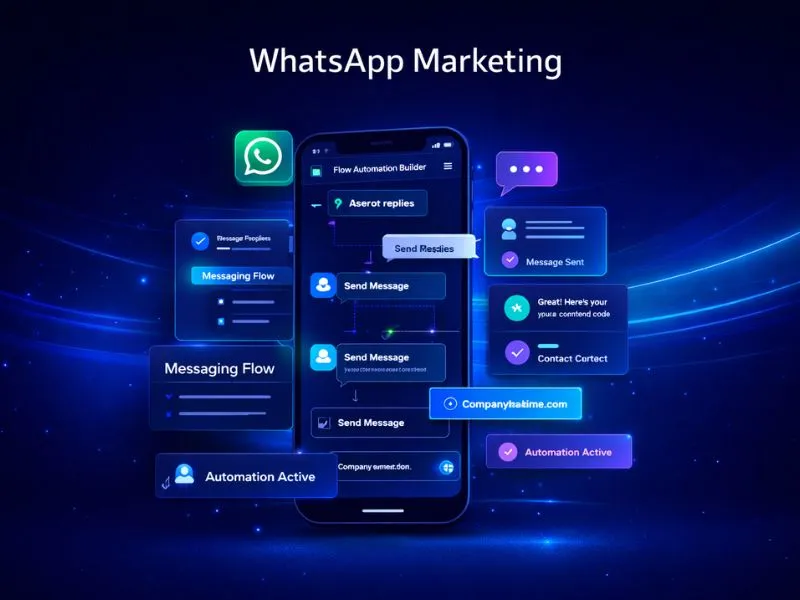
WhatsApp for Political Campaigns
WhatsApp is where many supporters already read messages from people they know. A campaign office can use it to keep volunteers and opted-in supporters informed: meeting schedules, event details and updates from the candidate's office, with the pictures and short videos that a text message cannot carry.
Nexcomm sets up WhatsApp messaging on the Official WhatsApp Business API for campaign teams, with approved templates, opt-in lists and a shared inbox for replies. Meta restricts the platform's use by political parties and candidates, so we plan each account with you first. Voters outside your supporter list are better reached another way, and we can suggest how.
How WhatsApp Marketing Works
Apply for API
Submit your Facebook Business Manager ID for verification to receive official access to the WhatsApp Business API.
Get Green Tick
We guide you through the application process for WhatsApp's verified business badge — a mark of authenticity your customers will notice.
Template Approval
Create your message templates — text, media, or button-based — and submit them for Meta's approval, which typically completes within minutes.
Launch Campaign
Upload your opted-in contact list and schedule your broadcast directly from the Nexcomm dashboard.
Analyze Results
Track real-time data on message delivery, read receipts, button interactions, and customer replies.
How Campaign Teams Use WhatsApp
Volunteer updates
Send duty lists, booth assignments and reminders to volunteers who have joined your list.
Event details
Share the time and place of a meeting or padyatra with a map pin, and remind people on the day.
Updates from the office
Send the candidate's statements, pictures and short videos to supporters who have opted in.
Supporter replies
Replies land in a shared inbox, so the office can answer questions and note requests.
Frequently Asked Questions
Find Services Available Near You
Explore our service availability across major cities, states, and industries.
Politics & Election Campaigns
Voter outreach & campaign management
Education & Coaching Institutes
Student engagement & admissions
Real Estate Developers & Brokers
Property alerts & lead generation
Healthcare & Hospitals
Appointment reminders & patient care
E-commerce & Retail
Order updates & promotional offers
Finance & NBFC
Secure transactions & fraud alerts
Travel & Hospitality
Booking confirmations & travel updates
Manufacturing & Industrial
Supply chain & workforce management
IT & SaaS Companies
Product updates & user onboarding
Event Management
Event updates & ticket delivery
Logistics, Transport & Courier
Shipment alerts & delivery coordination
Two-Wheeler & Car Showrooms
Test drives, bookings & service reminders
Tours & Holiday Packages
Holiday enquiries, itineraries & booking follow-ups
Unlock the Power of WhatsApp Marketing
Start engaging your customers where they are most active. Setup in less than 24 hours.
Get Started