
IVR for E-commerce and Retail
Give customers automated order status updates through keypad menus, and route sales and support calls to the right team.
What is Cloud IVR?
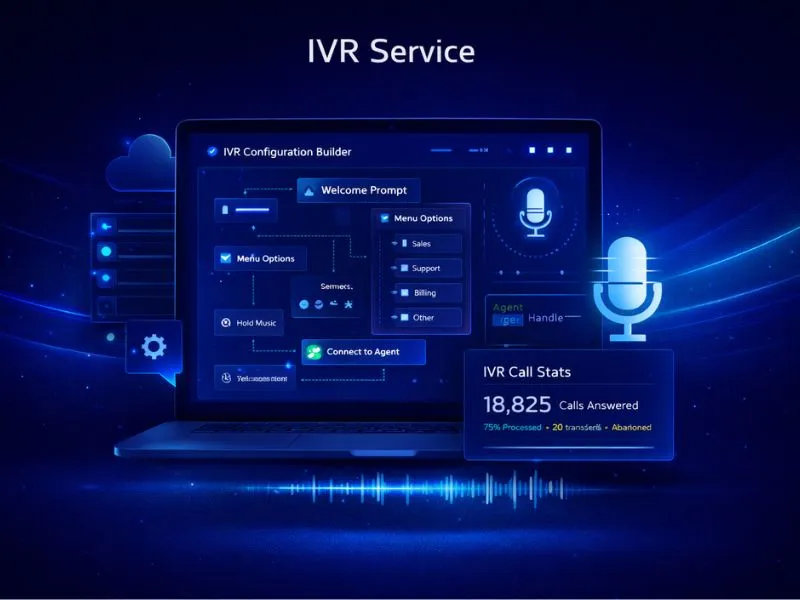
Cloud IVR (Interactive Voice Response) is a telephony system that answers incoming calls with an automated greeting and menu — such as "Press 1 for Sales, Press 2 for Support" — and routes callers to the right agent or department without manual intervention. Unlike traditional PBX setups, a cloud-based IVR requires no physical hardware or on-premise installation. It allows businesses to handle high call volumes, maintain a consistent professional experience, and ensure that no customer call goes unanswered — regardless of the time of day.
Who is this for?
Online stores, retail chains and brands that receive frequent order and support calls.
IVR for E-commerce & Retail
IVR for e-commerce and retail answers the routine calls, such as where an order is, through keypad menus, and sends sales and support callers to different teams on one virtual number.
Order-status calls are the most repetitive ones an online store receives, and each of them ties up an agent for an answer that a system already holds. An IVR connected through the IVR API and real-time webhooks can supply that answer to a caller who presses a key, while callers who need a person are routed to sales or support, each key ringing the mobile of the agent assigned to it.
Retail has quiet weeks and sale weeks. Agents can be added or removed instantly from the dashboard when a sale starts, a missed call raises an SMS or email alert, holiday routing plays a greeting on festival days, and recordings let a manager listen to a disputed return call. A customer who rings again can be connected to the agent they spoke to last.
Online stores receive a particular set of calls: where is my order, why was my delivery attempt missed, when will my refund arrive, how do I arrange a return pickup, and has my cash-on-delivery order been confirmed. Each can have its own key. An order ID or AWB number entered on the keypad can be looked up through the IVR API and the answer read back, while calls that need a person go to the returns desk or the sales team. Sale weeks bring spikes in volume, and queueing with hold music keeps callers on the line while extra agents are added from the dashboard.
How Retail Teams Use IVR
Order status without an agent
A customer presses a key, enters the order reference and hears the status from your own system through the IVR API, so those calls never reach the support queue.
Sales and support on separate keys
Buyers asking about a product reach the sales agents while customers with a delivery problem reach support, each on a key of their own behind the same number.
Sale-season staffing
When a sale doubles the calls, agents are added from the dashboard in moments, and callers who find everyone busy are queued with hold music or sent to voicemail.
Missed-call recovery
Every missed call raises an SMS or email alert, so the support lead can ring a customer back and a complaint that could have become a lost customer is handled the same day.
Returns and refund queries
Customers asking about a return pickup or a refund press a key and reach the returns desk, which has its own agents and its own call log.
Frequently Asked Questions
Find Services Available Near You
Explore our service availability across major cities, states, and industries.
Politics & Election Campaigns
Voter outreach & campaign management
Education & Coaching Institutes
Student engagement & admissions
Real Estate Developers & Brokers
Property alerts & lead generation
Healthcare & Hospitals
Appointment reminders & patient care
E-commerce & Retail
Order updates & promotional offers
Finance & NBFC
Secure transactions & fraud alerts
Travel & Hospitality
Booking confirmations & travel updates
Manufacturing & Industrial
Supply chain & workforce management
IT & SaaS Companies
Product updates & user onboarding
Event Management
Event updates & ticket delivery
Logistics, Transport & Courier
Shipment alerts & delivery coordination
Two-Wheeler & Car Showrooms
Test drives, bookings & service reminders
Tours & Holiday Packages
Holiday enquiries, itineraries & booking follow-ups