
IVR for Banks, NBFCs and Finance Companies
Let customers report lost cards, check balances and reach basic services securely through IVR input, at any hour.
What is Cloud IVR?
Cloud IVR (Interactive Voice Response) is a telephony system that answers incoming calls with an automated greeting and menu — such as "Press 1 for Sales, Press 2 for Support" — and routes callers to the right agent or department without manual intervention. Unlike traditional PBX setups, a cloud-based IVR requires no physical hardware or on-premise installation. It allows businesses to handle high call volumes, maintain a consistent professional experience, and ensure that no customer call goes unanswered — regardless of the time of day.
Who is this for?
Banks, NBFCs, cooperative banks and finance companies that run customer helplines.
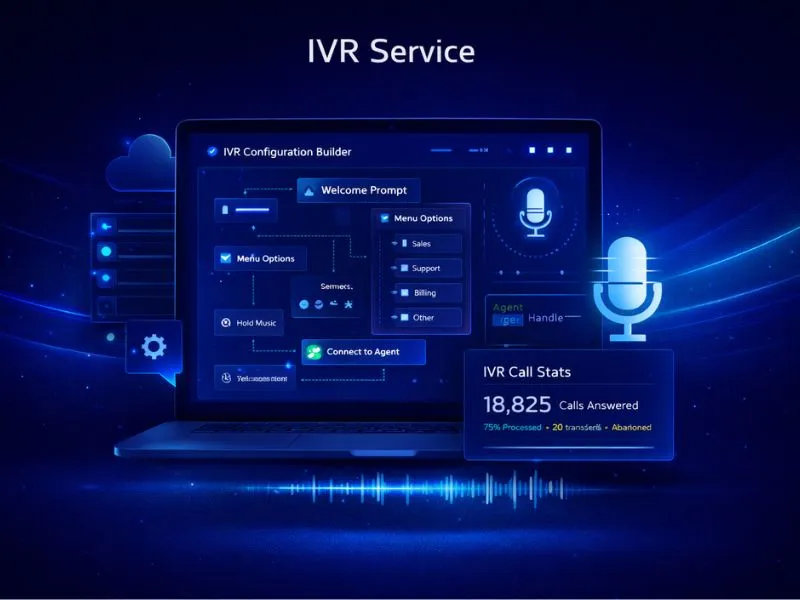
IVR for Finance & NBFC
IVR for banks, NBFCs and finance companies gives customers a keypad menu on one helpline, so a lost card, a balance check or a loan question reaches the right service at any hour.
Some financial requests cannot wait for office hours. A customer who loses a card at night needs to report it at once, and a borrower who wants a balance would rather press a key than queue. The IVR menu handles basic services through keypad input and routes everything else to the cards, loans or support desks, each key ringing the mobile of the agent assigned to it.
Finance firms care about records and availability. Recordings are encrypted, access control lists decide who can listen, data retention policies set how long they are kept, and redundant servers are built for 99.99% uptime. Callers choose a language first with Press 1 or Press 2, and a missed call raises an SMS or email alert so that someone rings back.
Lenders have a vocabulary callers know: EMI due dates, loan account statements, foreclosure quotes, KYC updates, card blocking and, for the collections team, promise-to-pay dates. A caller who wants an EMI date does not need a person; one who disputes a charge or wants to foreclose does. The menu separates the two, with keypad choices for routine requests and keys for the loans, cards and collections desks. Recordings are encrypted and kept under access-control and retention rules, which gives a compliance team a call record to review when a customer disputes what was agreed.
How Finance Teams Use IVR
Lost card reporting
A customer reports a lost card by keypad at any hour, and the request reaches the cards team without waiting for a branch to open or a queue to clear.
Balance and basic service requests
Customers get basic account information through IVR input, which keeps routine requests away from agents and leaves them free for conversations that need judgement.
Loan and repayment routing
Callers choose loans, repayments or cards from the first menu, and a repayment question is sent to the collections desk instead of the general support queue.
Recorded calls for dispute review
Calls are recorded and stored encrypted, so a manager can review what a customer was told about a charge or a due date if there is a later disagreement.
Collections desk with its own number
Collections agents use a number and key of their own, so repayment calls are recorded and logged separately from customer-service calls.
Frequently Asked Questions
Find Services Available Near You
Explore our service availability across major cities, states, and industries.
Politics & Election Campaigns
Voter outreach & campaign management
Education & Coaching Institutes
Student engagement & admissions
Real Estate Developers & Brokers
Property alerts & lead generation
Healthcare & Hospitals
Appointment reminders & patient care
E-commerce & Retail
Order updates & promotional offers
Finance & NBFC
Secure transactions & fraud alerts
Travel & Hospitality
Booking confirmations & travel updates
Manufacturing & Industrial
Supply chain & workforce management
IT & SaaS Companies
Product updates & user onboarding
Event Management
Event updates & ticket delivery
Logistics, Transport & Courier
Shipment alerts & delivery coordination
Two-Wheeler & Car Showrooms
Test drives, bookings & service reminders
Tours & Holiday Packages
Holiday enquiries, itineraries & booking follow-ups