
IVR for Political Campaigns and Constituency Offices
Give your campaign or constituency office one helpline that greets every caller, routes them to the right team and records the conversation.
What is Cloud IVR?
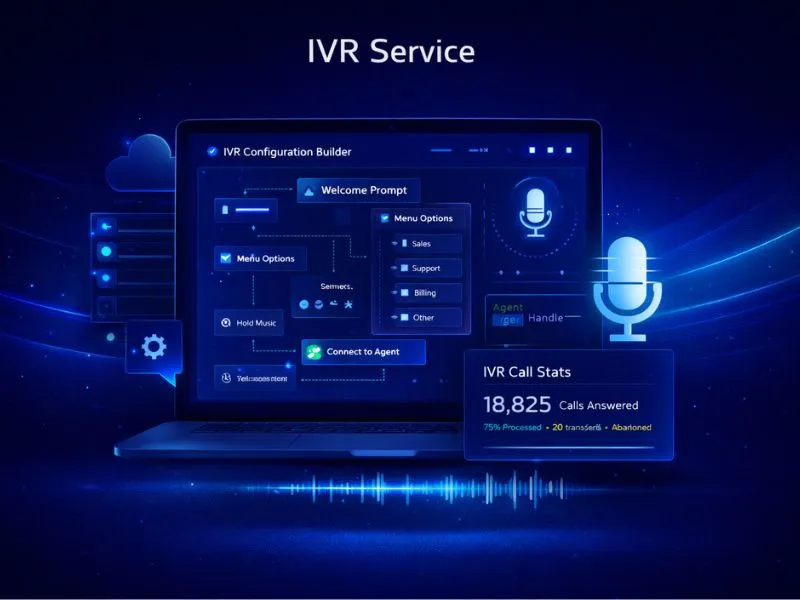
Cloud IVR (Interactive Voice Response) is a telephony system that answers incoming calls with an automated greeting and menu — such as "Press 1 for Sales, Press 2 for Support" — and routes callers to the right agent or department without manual intervention. Unlike traditional PBX setups, a cloud-based IVR requires no physical hardware or on-premise installation. It allows businesses to handle high call volumes, maintain a consistent professional experience, and ensure that no customer call goes unanswered — regardless of the time of day.
Who is this for?
Candidates, party offices, constituency offices and campaign teams that handle a high volume of incoming calls.
IVR for Political Campaigns
During a campaign, the office phone never stops: supporters offering help, voters with questions, volunteers checking in. A cloud IVR answers every call, offers a language menu, and routes each caller to the right team member's mobile.
Nexcomm sets up a virtual or toll-free number, records calls for accountability, alerts your team about missed calls, and lets you change greetings and routing yourself from the dashboard.
How Our IVR System Works
Get Virtual Number
Select a 10-digit mobile number or a toll-free 1800 number to serve as your primary business helpline.
Configure Menu
Record your greeting and design your IVR call tree — for example, Press 1 for English, Press 2 for Hindi — based on how your business operates.
Map Agents
Add your team members' mobile numbers so that routed calls are forwarded directly to the right person.
Go Live
Your number is active and ready. Incoming calls are received by our cloud servers and routed according to the logic you have set up.
Monitor Calls
Review call recordings, logs, and performance data from your dashboard to maintain service quality and accountability.
Key Features
Call Recording
Capability: Cloud Storage
Benefit:
Multi-Level IVR
Capability: Complex Routing
Benefit:
Call Tracking
Capability: Missed Call Alerts
Benefit:
CRM Integration
Capability: Webhook Support
Benefit:
Office Hours
Capability: Time-based Routing
Benefit:
Stickiness
Capability: Agent Persistence
Benefit:
How Campaign Offices Use IVR
Campaign helpline
Route volunteers, supporters and media callers to the right team.
Language menu
Let callers choose their language before they are routed.
Missed call follow-up
Alert your team about every missed call by SMS or email.
Why Campaign Offices Choose Nexcomm IVR
Zero Infrastructure
No EPABX hardware, no wiring, no maintenance overhead. The entire system runs on the cloud and is ready in hours.
99.9% Uptime
Our redundant server architecture keeps your business line available at all times — even during peak hours.
User Friendly
The dashboard is built for business users. Modify your call routing logic, update greetings, or add agents in minutes.
Scalable
Add or remove agents instantly as your team size changes — no technical support needed to make adjustments.
Security & Privacy
Call data is sensitive business information. Nexcomm applies enterprise-grade protections across every layer of your communication logs.
POST /api/v1/messages
// Request Payload
{
"to": "+919876543210",
"body": "Your OTP is 1234",
"type": "transactional"
}
Developer Friendly API
Build fully custom telephony workflows and voice applications using our programmable voice API.
Transparent Pricing
Our IVR plans include a fixed monthly rental for your virtual number along with variable charges based on call minutes consumed. Pricing scales with your usage — contact us for a tailored quote based on your expected call volumes and team size.
Check IVR PlansNo hidden fees. Pay for what you use.